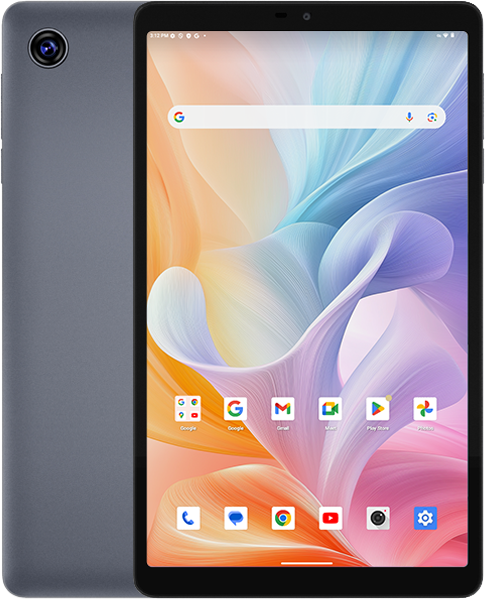


For your chance to win our tablet, we would like to invite you to subscribe and become our member. As a member you will receive the latest news updates, product announcements, promotions and giveaways from ALLDOCUBE. Subscribe now so that you dont miss out!






When I try to run the flashing tool on Windows 10 after (apparently successfully) installing the drivers I get the message:
CDLFWDriver Startup Fail.
So it seems that the software is not in a working state. Do you have any suggestions for me?
If running ResearchDownload.exe results in the error message “Cdlfwdriver startup fail”, you can try to search for “Microsoft Visual C++” or “Microsoft Common Runtime Library” on your Windows system computer and download and install the missing Microsoft Visual C++ components.