Home Page › Forums › Technical Discussion › Mix Plus – Wacom Pen Error 10
Hello,
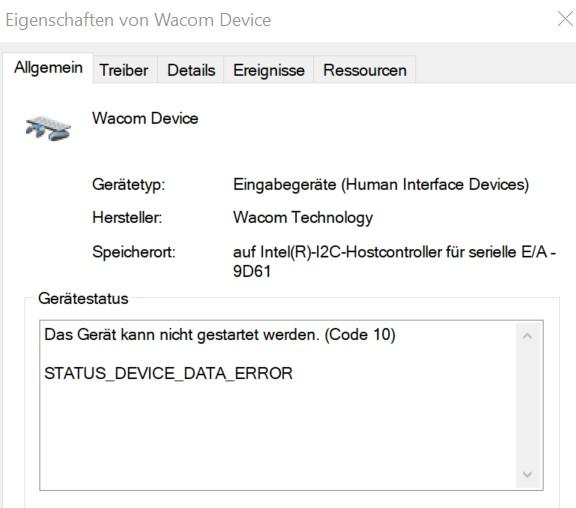
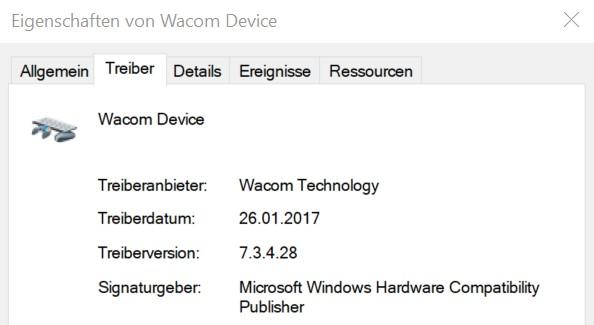
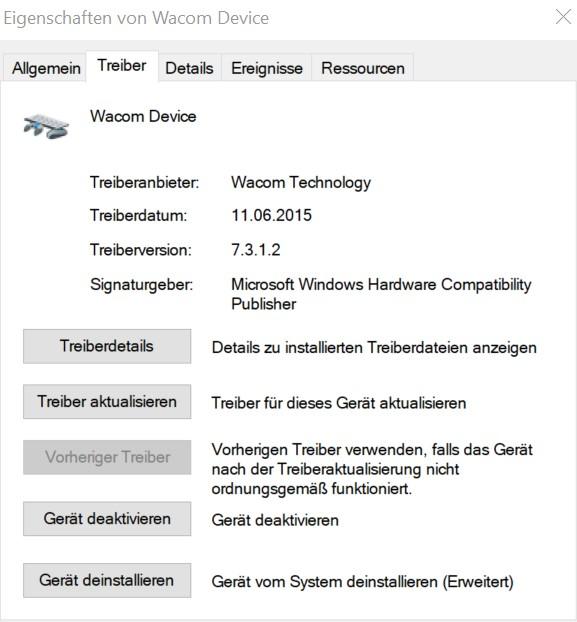
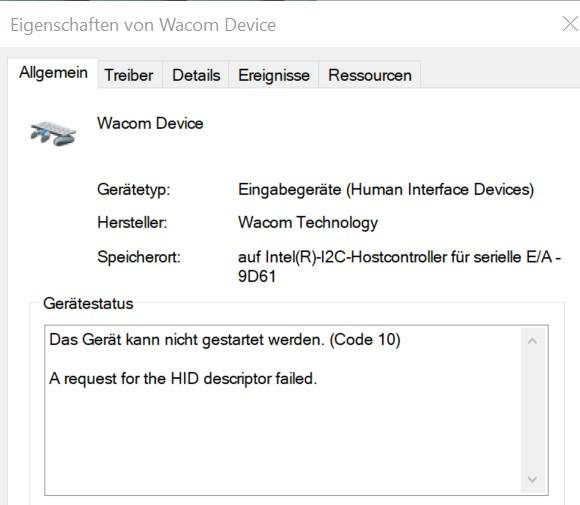
My Wacom Pen on my Mix Plus Device stopped working through some windows update. I have no idea how to fix this! I tried different driver versions, but it didn’t help
Any ideas what is the reason for this and how to fix it?
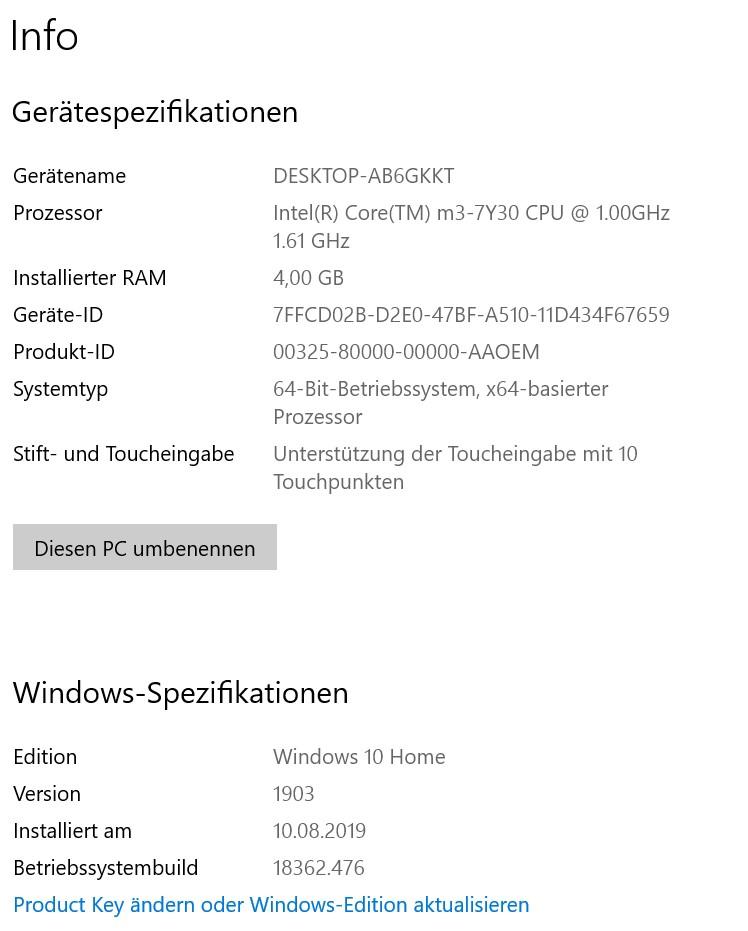
I added some screenshots that may help


please try to uninstall wacom drivers in windows device manager,and restore driver to windows default stylus driver!
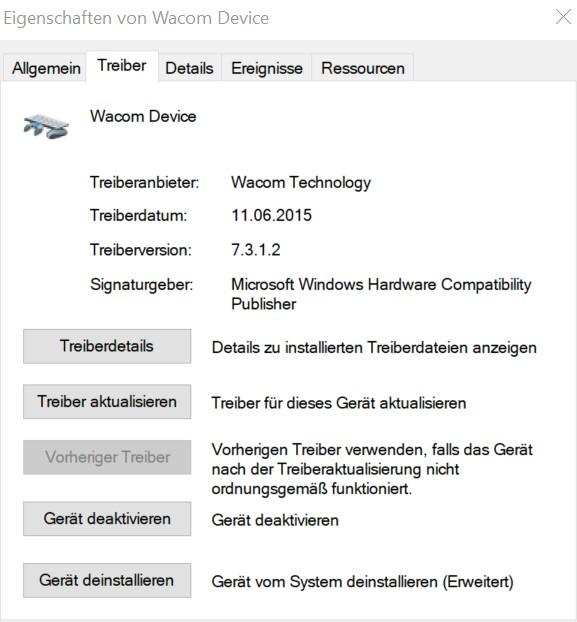
I deinstalled the Wacom Driver and Windows selected me the driver shown in the screenshot. Stylus is still not working and I have the “Error 10 Problem”.
I’m using a CDK09 Keyboard with the tablet.

I uninstalled the Wacom Driver and Windows found this driver instead:

but I’m still getting the same error:

I made a hardware log that may help. I’m using a CDK09 Keyboard that is connected to the tablet.
I deinstalled all drivers and Windows chose Wacom Driver Version 7.3.1.2 after reinstalling. I’m still getting Error 10 and the device is not working.
I made a Hardware log you can see here:
I’m using a CDK09 Keyboard with the tablet.
Quote #2F by @win2tabless:
I deinstalled the Wacom Drivers as you suggested and Windows chose Wacom Driver Version 7.3.1.2. I’m still getting “Error 10” and the Stylus is not working.
I made a hardware log, that may help to solve the problem:
I’m using a CDK09 Keyboard with the tablet.
For your chance to win our tablet, we would like to invite you to subscribe and become our member. As a member you will receive the latest news updates, product announcements, promotions and giveaways from ALLDOCUBE. Subscribe now so that you dont miss out!