Home Page Forums Technical Discussion iPlay 70 Mini Pro Firmware

Tagged: , ,

Viewing 10 posts - 11 through 20 (of 21 total)
Member
2025-11-21 20:41:50
#11F

Hello.

I used these guides and works ok.

How to Install Fastboot Drivers in Windows 11

How to Install Fastboot Drivers in Windows 11

How to Unlock Bootloader of Any Android Device

How to Unlock Bootloader of Any Android Device


My 70 mini pro bootloader is unlocked.Waiting for a guide to flash GSI.

Member
2025-11-21 21:29:59
#12F

I did that :
https://xdaforums.com/t/root-alldocube-iplay-70-mini-pro-without-boot-img.4768146/

Member
2025-11-23 18:50:47
#13F

Hello,

I have upload all file for repair the tablet :
https://xdaforums.com/t/unbrick-alldocube-iplay-70-mini-pro.4769181/

Member
Starter
2025-11-23 18:56:57
#14F

Quote #13F by @Tonio1987:

Hello, I have upload all file for repair the tablet : https://xdaforums.com/t/unbrick-alldocube-iplay-70-mini-pro.4769181/

Thanks buddy!!!!!!!!!

Member
2025-11-26 01:42:43
#15F

Quote #9F by @Tonio1987:

[image]

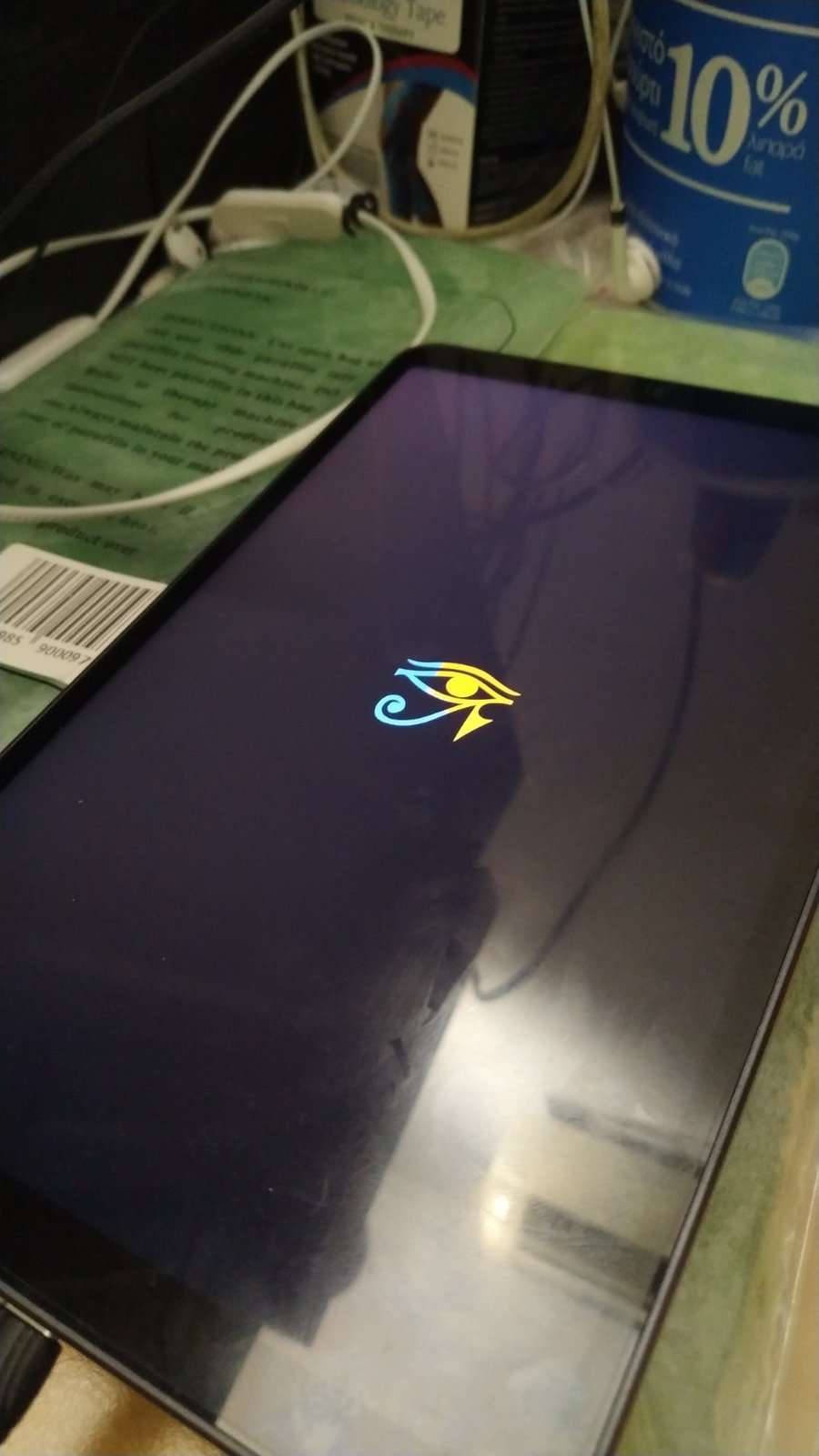
crDroid Stuck on logoHello.Will you give me a hand ?.I tried to install crdroid and tablet is stuck on logo.I followed this guide and using your vbmeta.
Download and Install Android 15 GSI ROMs [Video]


Member
2025-11-26 03:05:57
#16F

Quote #9F by @Tonio1987:

[image]

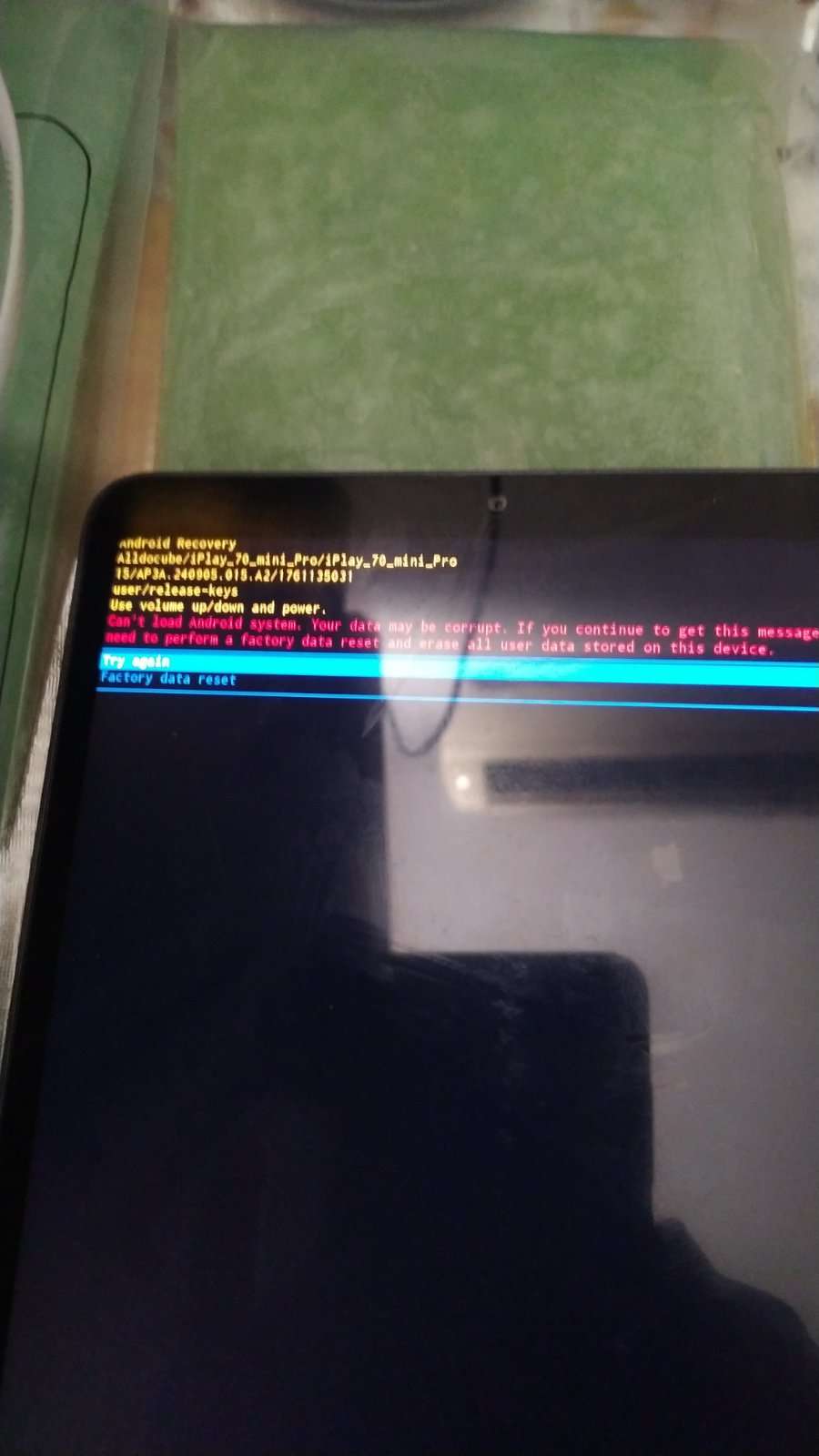
Hello.Will you give me a hand ? no success on GSI installation ,stucks on Crdroid logo or bootloops.This is the last message i get from many flashing attempts

stuck on bootloop

Member
2025-11-26 05:26:58
#17F

I got stuck in a bootloop too. I got somethings mixed up and flashed the wrong partitions.
Follow this guide to restore the device so you can start over: https://xdaforums.com/t/unbrick-alldocube-iplay-70-mini-pro.4769181/

Then follow Tonio1987’s guide to flash.
And remember that fastboot = bootloader and fastbootd = fastboot.
Example:
adb reboot fastboot will send you to fastbootd
adb reboot bootloader will send you to fastboot
Be careful not to mix those.

Member
2025-11-27 06:54:25
#18F

Quote #17F by @Vovozona:

I got stuck in a bootloop too. I got somethings mixed up and flashed the wrong partitions. Follow this guide to restore the device so you can start over: https://xdaforums.com/t/unbrick-alldocube-iplay-70-mini-pro.4769181/ Then follow Tonio1987's guide to flash. And remember that fastboot…

Thanks.I managed to bring back live tablet by using Tonio1987’s guide.

Ok now we set usb debugging On.And then may I use the following guide to install Crdroid ?

Download and Install Android 15 GSI ROMs [Video]

Member
2025-11-28 03:32:34
#19F

It seems correct but a little…verbose?
You don’t need an extra app, everything can be done with cmd.
`
fastboot –disable-verification flash vbmeta vbmeta.img
fastboot reboot fastboot
fastboot getvar is-userspace <- should be true
fastboot erase system
fastboot delete-logical-partition product_a
fastboot delete-logical-partition product_b
fastboot flash system [ROM FILE]
fastboot reboot recovery
`
Once in recovery, do a wipe/factory reset and you should be good to go!

Member
2025-11-28 04:24:54
#20F

HI.This is the message i get :

C:\Users\domatio\Downloads\platform-tools-latest-windows\platform-tools>fastboot flash vbmeta –disable-verity –disable-verification vbmeta.img
Warning: skip copying vbmeta image avb footer (vbmeta partition size: 0, vbmeta image size: 8388608).
Rewriting vbmeta struct at offset: 0
Sending ‘vbmeta’ (8192 KB) FAILED (Write to device failed (no link))
fastboot: error: Command failed

Why is it so difficult for this tablet to get a GSI ROM ??

Viewing 10 posts - 11 through 20 (of 21 total)
Post a new Topic
SUBSCRIBE NOW