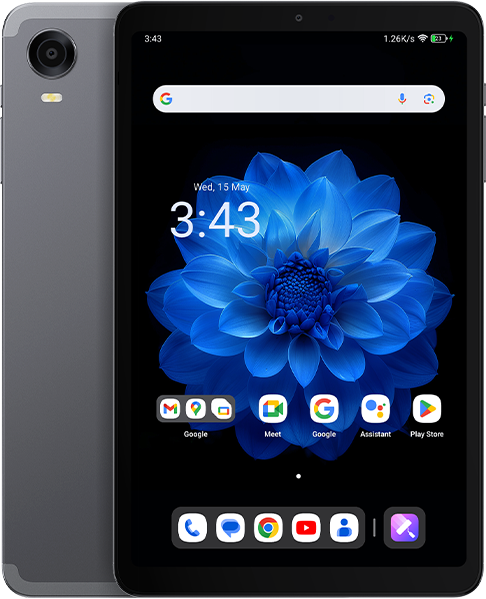


For your chance to win our tablet, we would like to invite you to subscribe and become our member. As a member you will receive the latest news updates, product announcements, promotions and giveaways from ALLDOCUBE. Subscribe now so that you dont miss out!
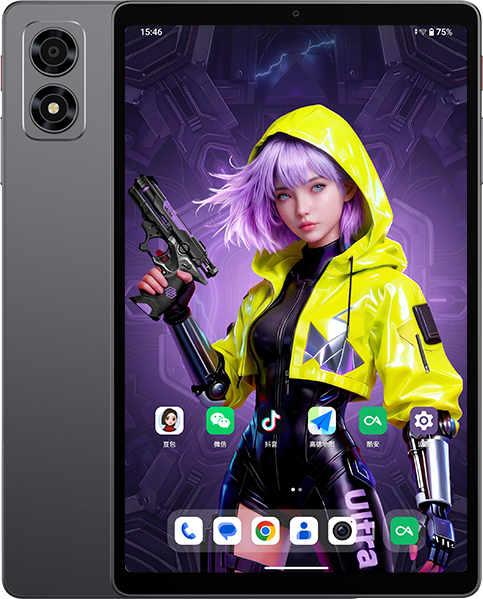

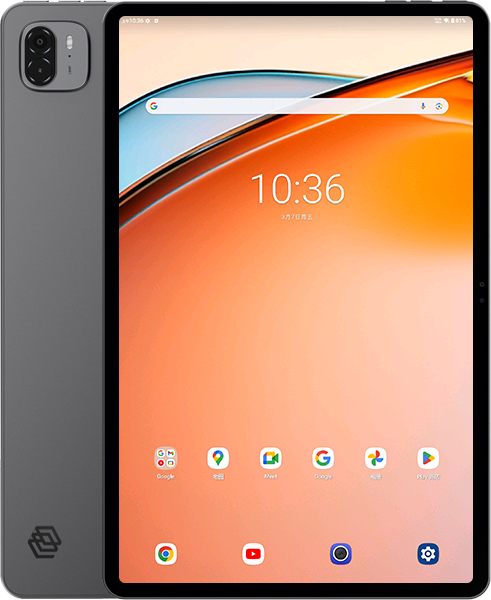







It’s not working for me @jharis.Mine got stuck in a bootloop when trying to flash LineageOS so now it’s just stuck and not downloading anything. If you can maybe send me a message via Discord to help? n3rdyry#1284
This is what worked for me, successfully updated from android 14 to 15. My unit is iPlay 60 mini Pro Model CUL8JN (T812)
Requirements :
B15_V4.0L.7_20251208 from this page
MT6789 DA file from “https://androidmtk.com/mediatek-da-file”
SP Flash tool V6
Install or Extract everything from above. Once installed / extracted, we are ready to upgrade. Dont forget the USB cable.
Pre-Requisite
USB Cable already plugged in to your Windows machine.
Iplay 60 Mini Pro turned “OFF”
Open SP Flash Tool.
Located and select the XML file (its on the extracted T812_B15_V4.0L.7_20251208 folder path under “download_agent”. [T812_B15_V4.0L.7_20251208\download_agent]
3. Located and select the authentication file (its on the extracted MT6789_DA_File folder.
4. Select “Firmware Upgrade”.
5. BROM Connection (on the right), Select “Auto Detect” and “Atuo Reboot”
6. IMPORTANT! Uncheck FIRST 2 lines that has the word preloader.
7. CLICK “Download” icon.
8. Connect the turned OFF Iplay to the windows machine using the usb cable.
9. Once installation is complete, green ring will appear.
10. Lastly disconnect yout device.
This is what works for me, hope it works for you too.
NOTE :
https://androidmtk.com/install-xml-scatter-firmware-mediatek
mtk sp flash tool: https://mega.nz/file/pF9SVDwT#EfjwPINj9g2MqnCwsnV69kn6FcmugGCMnw4fFaC-PZk
auth_sv5.auth<<<NO THIS!!!
mtk sp flash tool: https://mega.nz/file/pF9SVDwT#EfjwPINj9g2MqnCwsnV69kn6FcmugGCMnw4fFaC-PZk
auth_sv5.auth,,,NO THIS
auth_sv5.auth 파일이 없는데 어떻게 하나요?
위에 가드 대로 했는데 전원끈 상태에서 컴퓨터랑 커이블 연결하면 연결안되고 장치간리에 들어가니깐 usb드라이브 느낌표 나오거나 아에 안나옴니다 해결방법좀 부탁 드립니다
안드15로 업하니 훨씬 브드럽고 빠릿빠릿합니다. 아주 굿임.