







More gamers are turning to tablets for a larger screen and better performance than smartphones, without the bulk of a laptop. But not all tablets are equal—gaming requires higher specs, better cooling, and smoother displays.
What should you look for in a gaming tablet?
This guide breaks down the key features to consider before buying.
1. Performance: CPU, RAM & Storage
(1) Processor (CPU) – The Most Important Factor
-
Budget (~$200-300)
-
Snapdragon 680 / Dimensity 700 (for casual games)
-
-
Mid-Range ($300-500)
-
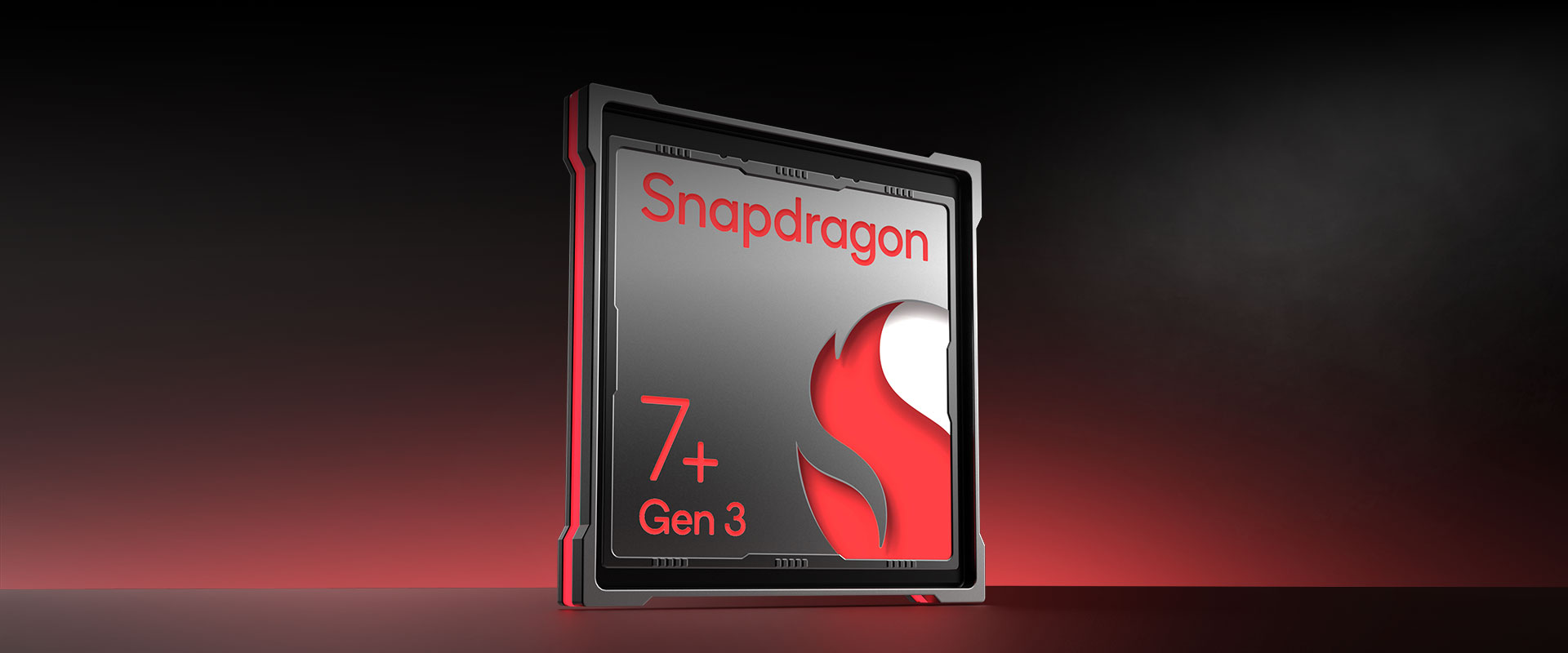
Snapdragon 7 Gen 1 / Dimensity 900 (handles Genshin Impact, COD Mobile)
-
-
High-End ($600+)
-
Snapdragon 8+ Gen 1 / Apple M1 (console-level gaming)
-
✅ Pro Tip:
For high-end mobile games (Genshin Impact, Honkai Star Rail), aim for at least a Snapdragon 7 Gen 1 or better.
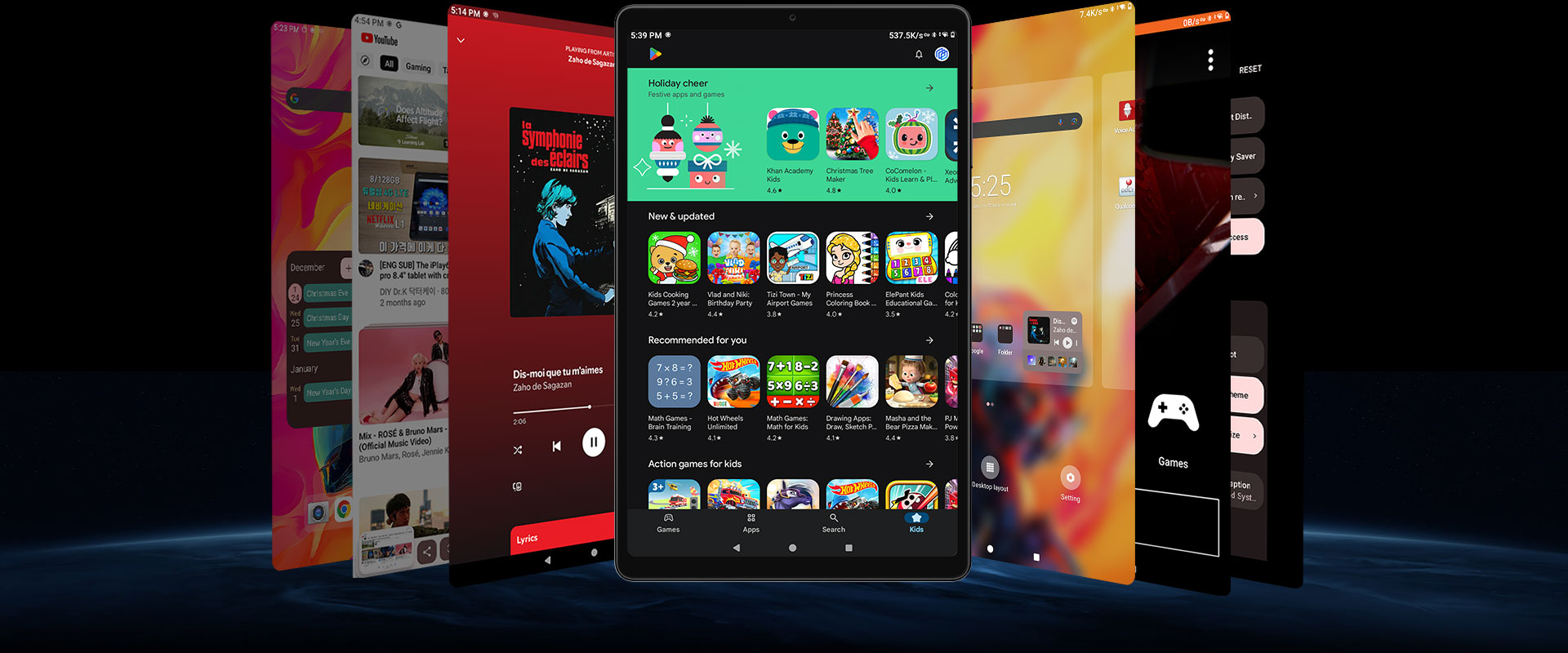
(2) RAM – Keeps Games Running Smoothly
-
6GB-8GB → Good for casual gaming & multitasking
-
12GB+ → Best for high-end 3D games & emulation (Switch/PS2)
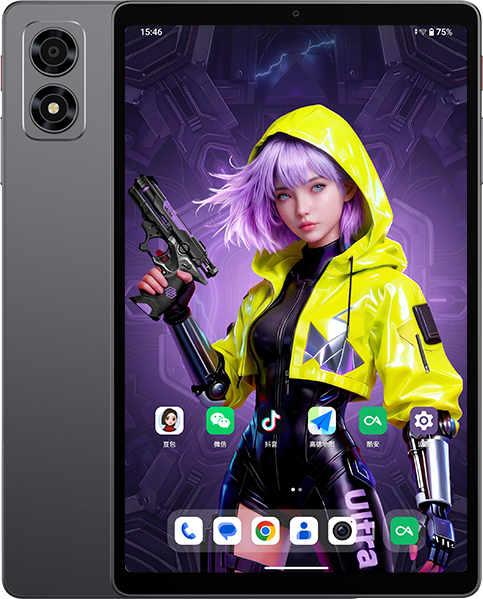
📌 The Alldocube iPlay 70 mini Ultra (releasing April 10) packs 12GB RAM, making it great for demanding games.
(3) Storage – Games Take Up Space!
-
64GB-128GB → Enough if you mostly stream (Xbox Cloud, GeForce NOW)
-
256GB+ → Needed if you install large games (Genshin = 30GB+)
💡 Expandable Storage?
Check for a microSD slot if you want extra space later.
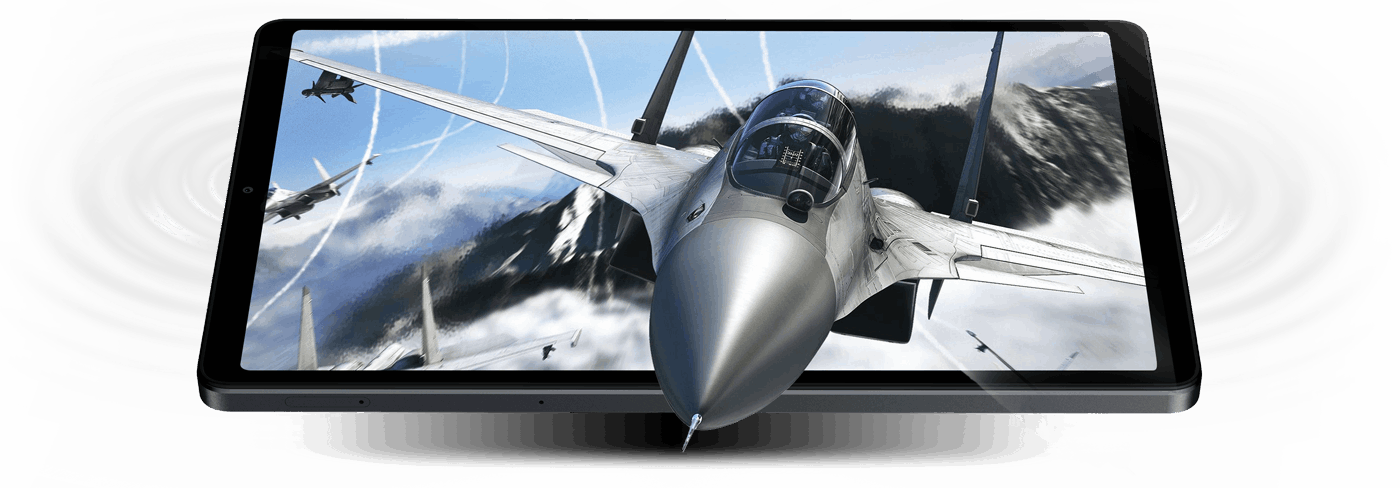
2. Display: Refresh Rate & Size
(1) Refresh Rate (Hz) – Smoother Gameplay
-
60Hz → Fine for casual/puzzle games
-
120Hz-144Hz → Best for FPS (COD Mobile, Fortnite) & fast-paced games
📌 The Alldocube iPlay 70 mini Ultra has a 144Hz screen, ideal for competitive gaming.
(2) Screen Size – Portability vs. Immersion
-
8-10 inches → Portable (like a Nintendo Switch)
-
11+ inches → Better for immersive play (but less portable)

3. Connectivity: Wi-Fi & Controllers
(1) Wi-Fi 6/6E – Less Lag in Online Games
Crucial for cloud gaming (Xbox Cloud, GeForce NOW) and multiplayer.
(2) Bluetooth 5.2+ – Better for Wireless Controllers
If you use an Xbox/PS5 controller, Bluetooth 5.2+ reduces input lag.
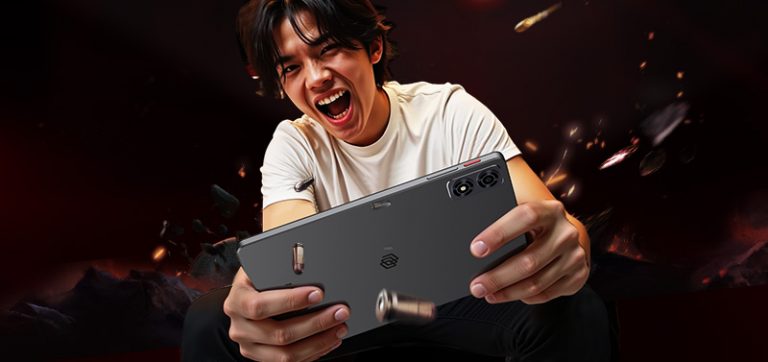
4. New Release: iPlay 70 mini Ultra
-
144Hz display (ultra-smooth gameplay)
-
12GB RAM + 256GB storage (great for heavy games)
-
Wi-Fi 6 & Bluetooth 5.4 (low-latency connections)
-
Launch price: $249 (limited time)
🎮 Who’s It For?
✔ Mobile gamers who want a high-refresh-rate screen
✔ Those who play FPS/action games competitively
✔ Emulation fans (PS2/Switch games)
Final Verdict: How to Pick the Best Gaming Tablet
-
Match the CPU/RAM to the games you play.
-
Choose 120Hz+ for competitive/fast games.
-
Wi-Fi 6 is a must for cloud/online gaming.
-
New models (like the iPlay 70 mini Ultra) offer great value.
A good gaming tablet balances performance, display, and price. Use this guide to find your perfect match!


Headphone Jack so there is no annoying Sound Delay with Bluetooth Headphones,
which makes playing impossible with phones!
Hi there, I just recently heard about this brand and i am very interested to get my hand on this new model iPlay 70 Mini Ultra, but does this model have the LTE support?
Because i saw in your previous post that iPlay 60 Mini Pro have 4G LTE support but iPlay 60 Turbo doesn’t.
It is not a so much deal breaker for me, but i do prefer to get a tablet that support either a sim card or esim because i am not a fan of needing to rely on hotspot when i am going to use it outside.