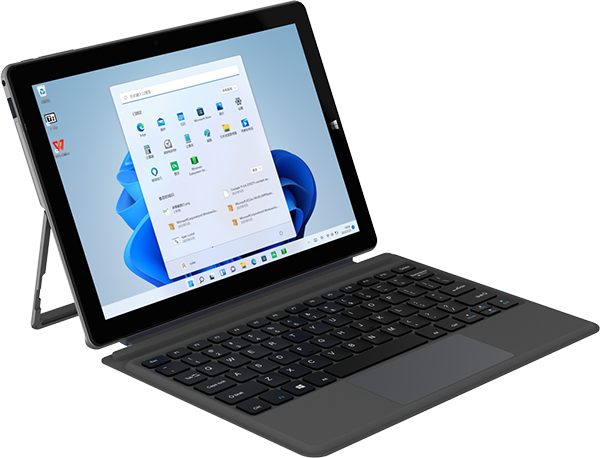

iWork 20 Pro

Model: i1025

Latest: Factory install files

Size: 11.9GB

Kernel: WIN10

Password: -

Latest Changelog

Simple installation steps: 1. Prepare a 16g U disk, format it as fat32 storage format, and modify the volume label name to WINPE 2. Decompress the downloaded compressed package and copy all files As shown below in the decompressed folder to the root directory of the u disk 3. Connect the U disk to the computer, press F7 (or FN+F7) when the computer is turned on, and choose to boot from the USB flash drive to reinstall the windows os

Other Versions

  • Version: Factory install files
    Kernel: WIN10
    Size: 11.9GB
    Password: -
    Download

All Comments (0 comments)

Comment

SUBSCRIBE NOW









